info
/

Use these LUTs for every major camera brand and editing system
Exclusive PowerGrade for DaVinci Resolve users for complete control
Monitoring LUTs for on-set accuracy
The COLORING BOOK PowerGrade uses DaVinci’s built-in tools, so no additional plugins required.
Control grain, halation, density, and more!
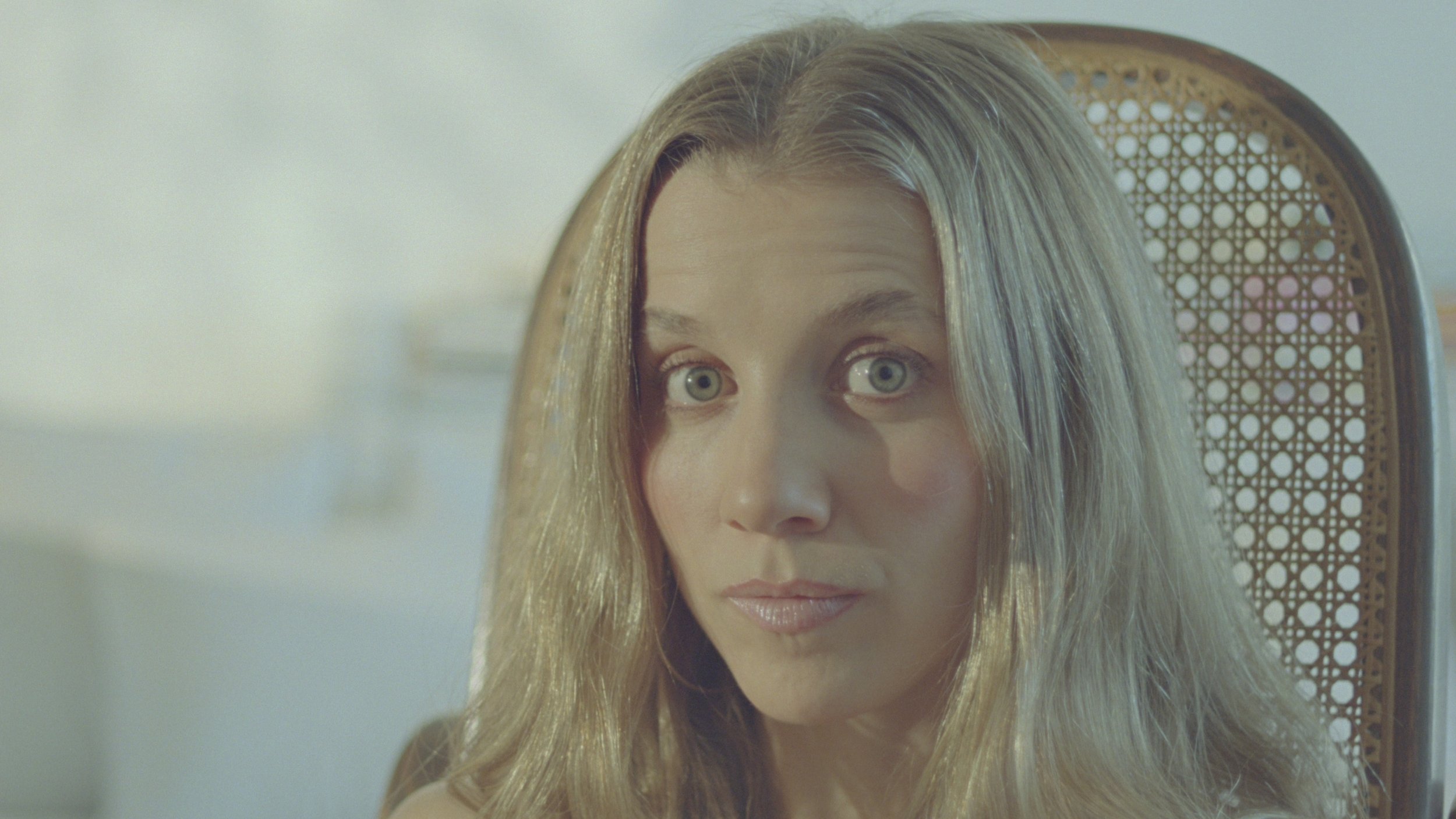
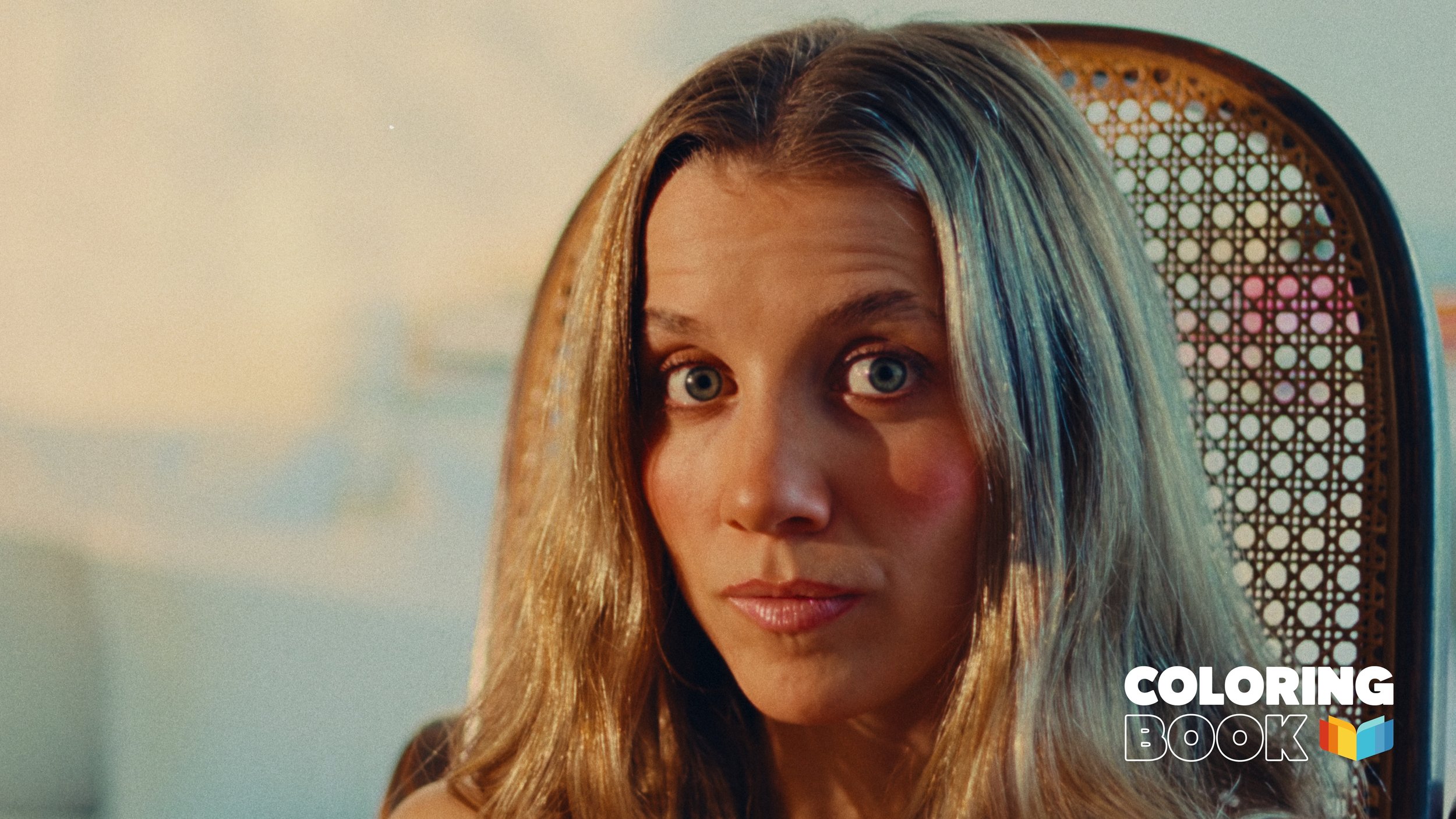


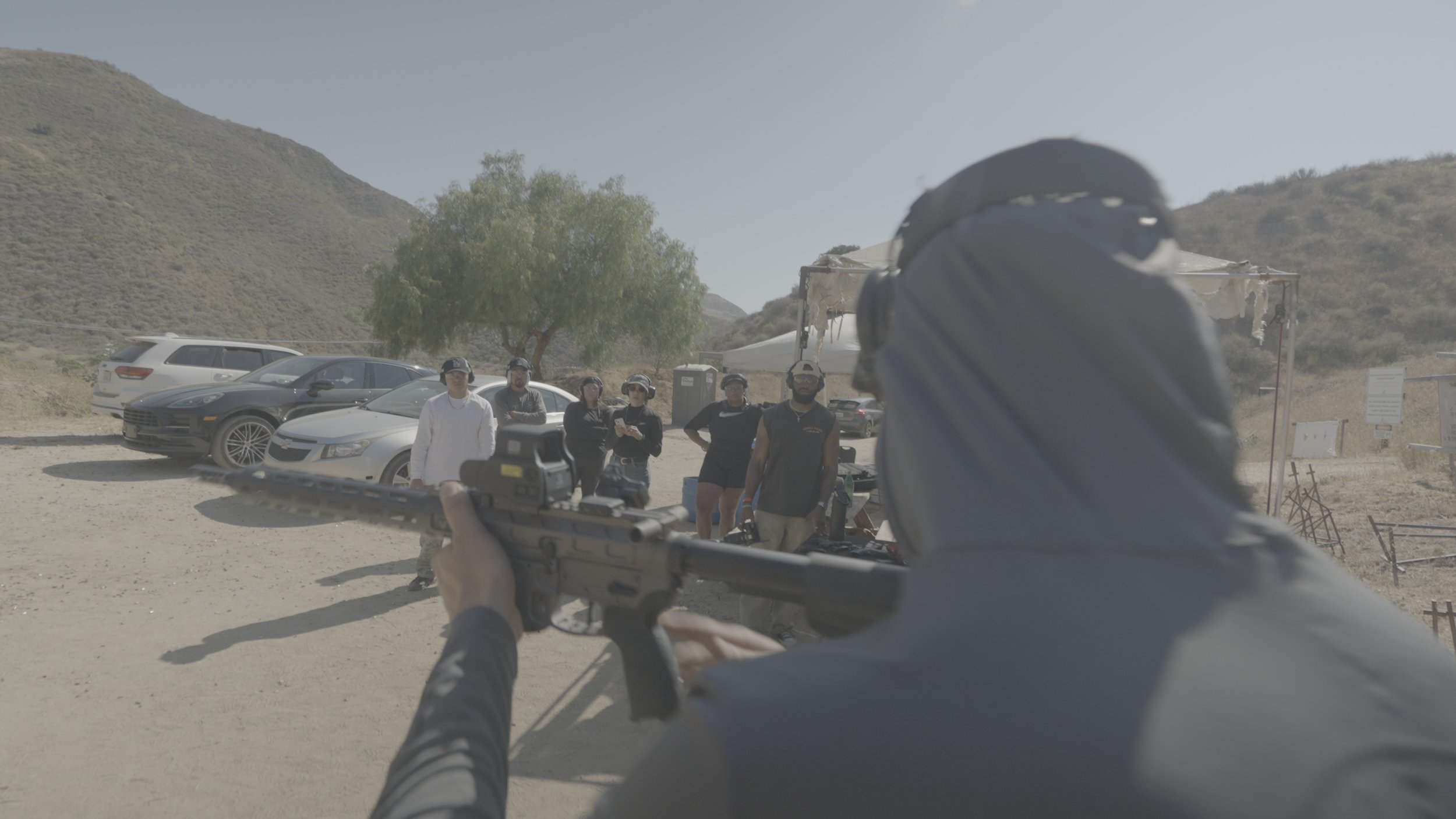
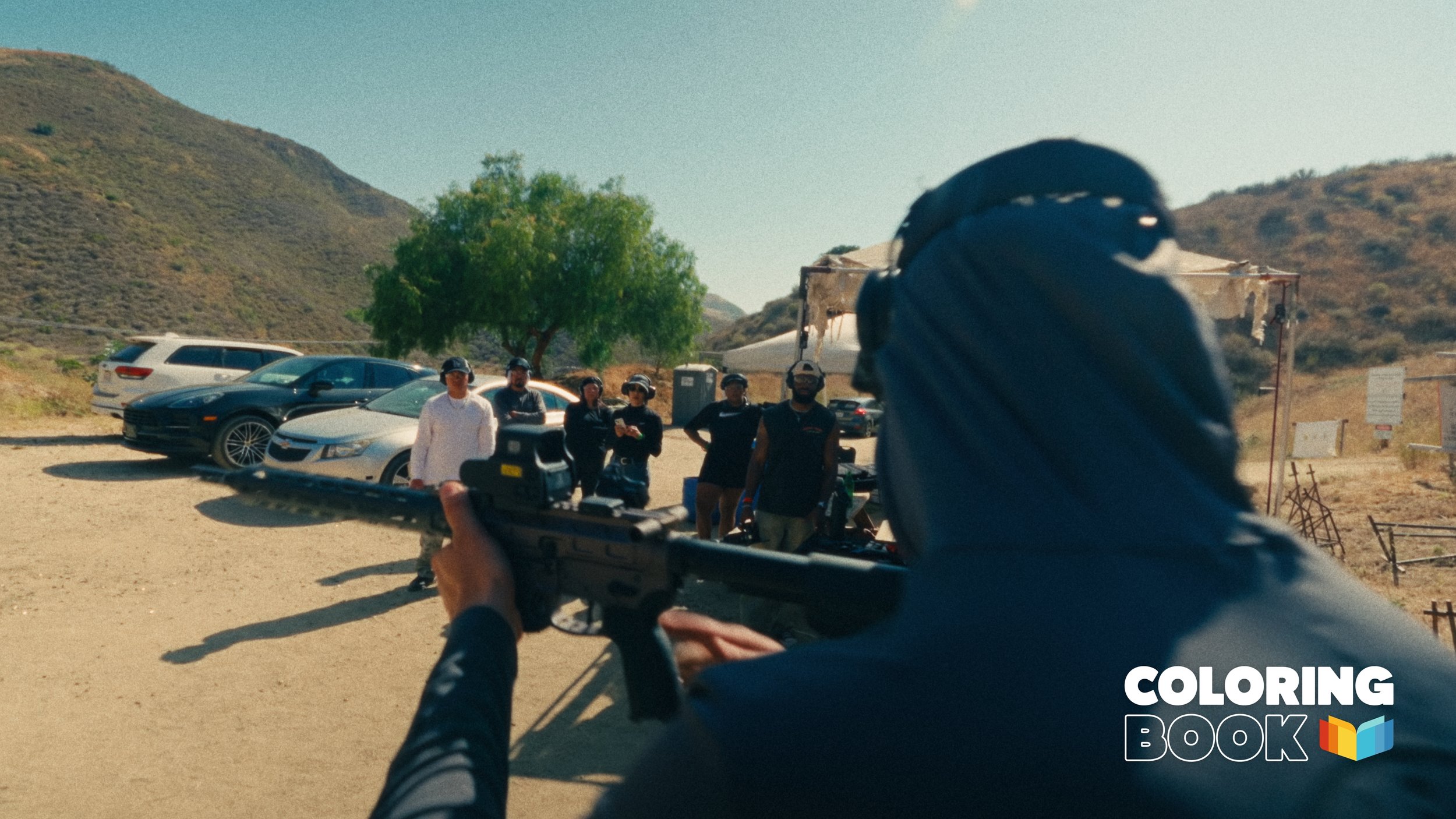
Yes, both the PowerGrade and the LUTs were designed in DaVinci Resolve. The PowerGrade will only work in Resolve, and allow for more control and customization to your own tastes.
Yes, the Coloring Book LUT Pack will work in Premiere Pro, Final Cut Pro, and any other editing programs that accept a .cube file. However, the PowerGrade Bundle will only work in DaVinci Resolve.
Five (5) Coloring Book LUTs customized for Sony, Canon, Blackmagic, RED, Arri, and Rec709 footage (for color grading, use the .cube x65 files)
Coloring Book monitoring LUTs (.cube x33)
A .drx file if you purchase the PowerGrade Bundle
Installation and PowerGrade Demo included when purchasing the COLORING BOOK PowerGrade & COLORING BOOK Bundle
No! The LUTs are used within each editing software's LUT area.
The Coloring Book PowerGrade is 100% built with DaVinci Resolve's native tools, so no need for any 3rd party plugins.
The LUTs are designed for the following:
Sony - Color Space: S-Gamut3.Cine | Gamma: S-Log3
Canon - Color Space: Canon Cinema Gamut | Gamma: C-Log2 and C-Log3
Blackmagic - Color Space: Wide Gamut Gen 4/5 | Gamma: Film Gen 5
RED - Color Space: REDWdeGamutRGB | Gamma: Log3G10
ARRI - Color Space: Wide Gamut 3 | Gamma: LogC3, and Color Space: Wide Gamut 4 | Gamma: LogC4
Rec709
If you don't see your camera profile listed, you can always use Resolve to add a CST node at the front of your Coloring Book PowerGrade to convert your camera profile to one of the above listed.
No, the PowerGrade will not work as designed in the free version of DaVinci Resolve. Some nodes have effects like "Grain", which requires DaVinci Resolve Studio.